Offline

Annotate into your PDF with ease
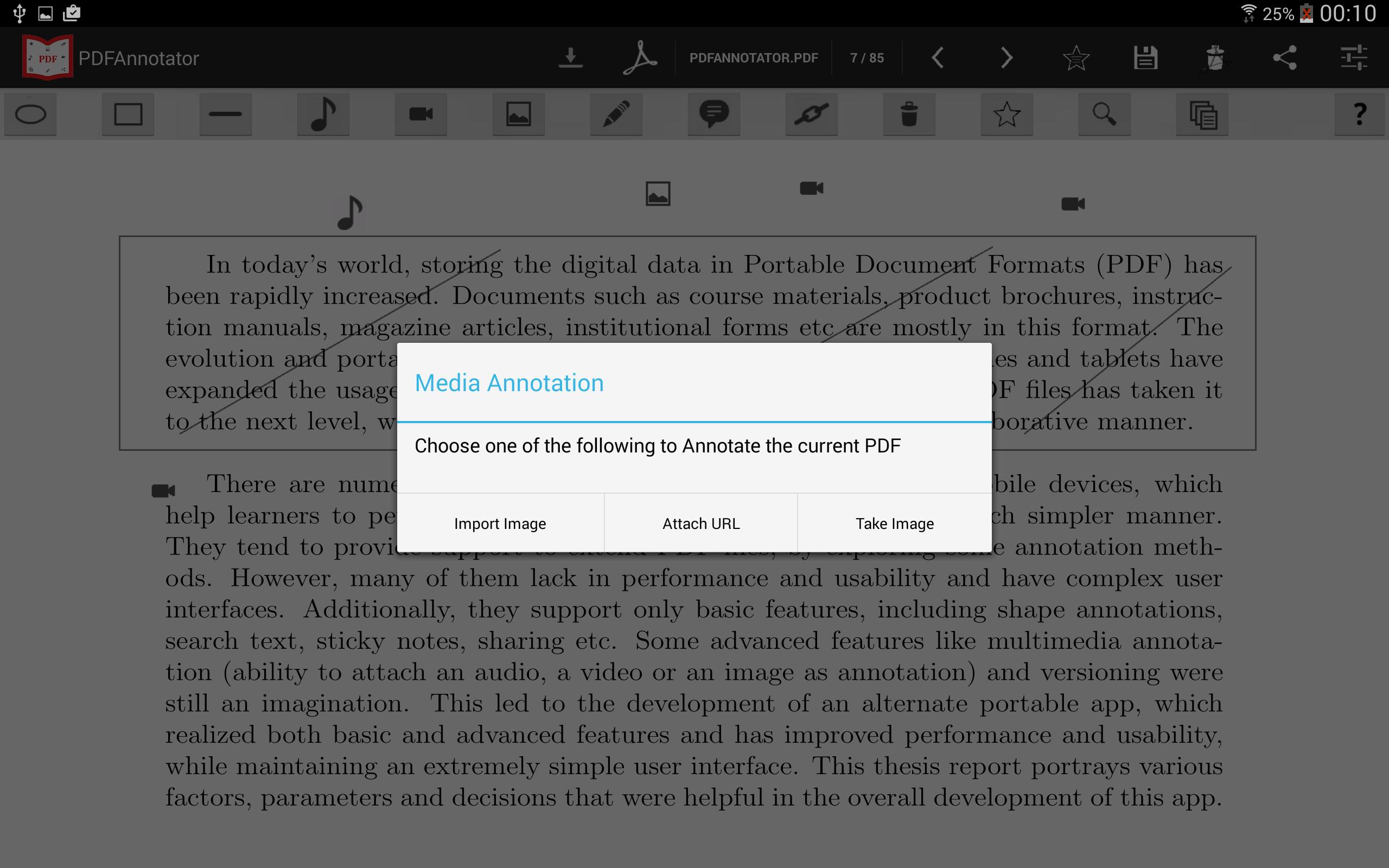
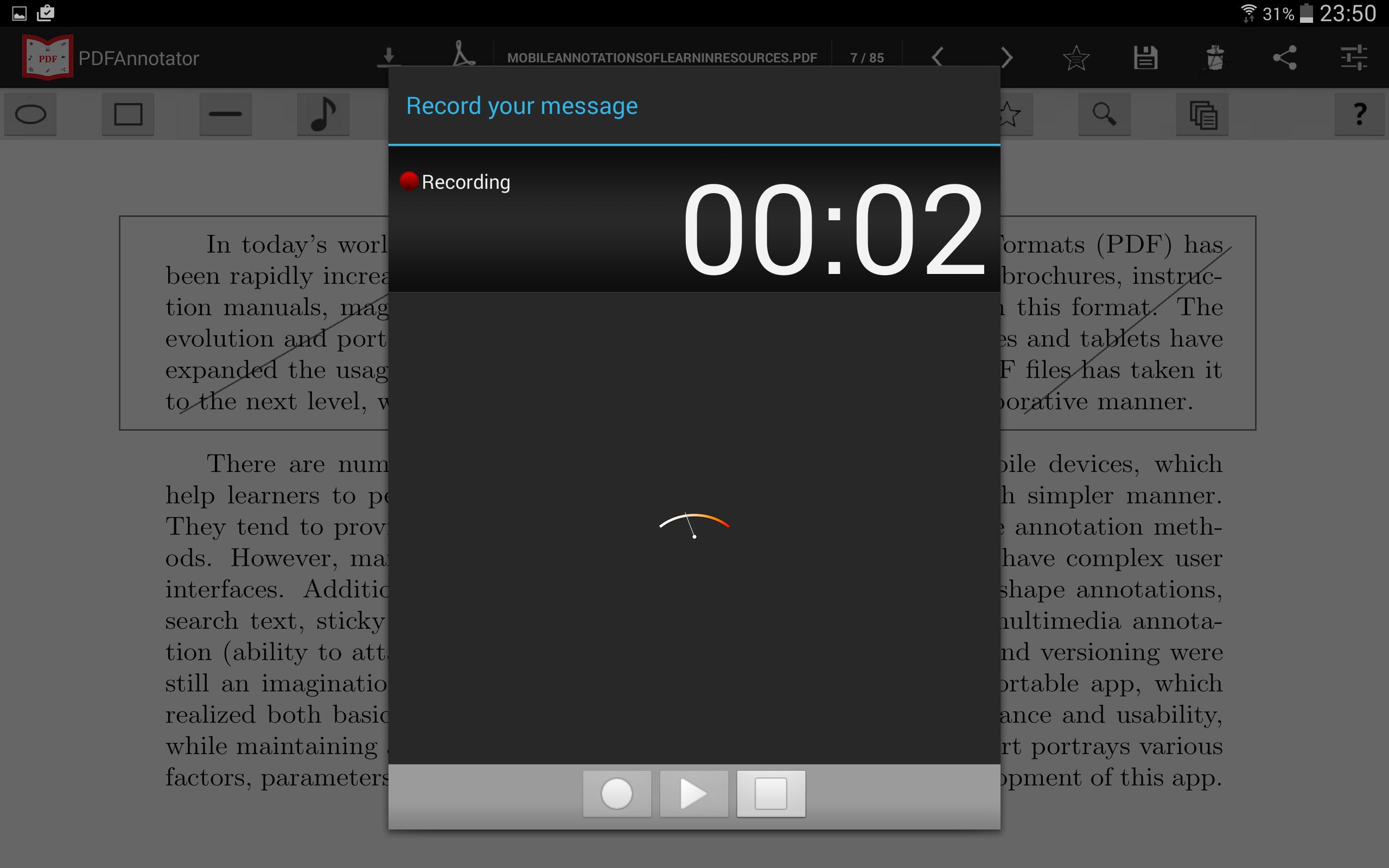
Using PDFAnnotator, you can now annotate your PDFs with an audio, video or an image including other basic annotation features described below. Moreover, you can create various versions of the already annotated PDFs. Finally, the annotated PDFs can be shared among anyone. Thereby taking your PDFs to a whole new level with the annotations never seen before.
This app won the second price in a world wide app contest, 'Ericsson Application Awards' in 2014.
Features:
1. View PDFs
- quickly open and view PDFs
- navigate to different pages
- scroll the page
- remembers the last open page
- search a keyword on the current page
- delete the complete PDF
2. Annotations
- multimedia annotations which means, a user has a possibility to attach an audio, video or an image as annotation to the PDF
- draw line, rectangle, square, oval and circle on certain content of the PDF
- provision of free hand drawing
- attach a sticky note to the PDF
- attach a hyperlink to the PDF and navigate to that link directly over a browser
- delete any annotation
- delete all the annotations of a page
3. Others
- create multiple versions of the annotated PDF
- share (via Bluetooth, email etc) among your peers
- bookmark certain page of the PDF and navigate to that page on a go
- help button for a quick help
- multi lingual supporting German and English for the moment
- rename a PDF
- back up and restore facilities available
- and much more..
PDFAnnotator is free of cost, no registration is required and is completely free of any third party ads. It is tested on most of the Android 4.4.2 (KitKat) based devices and is best when used with 10 inch tablets.
Please give your review so that I shall keep updating.

Get free Primogems, Mora, Experience, and more with these November 2024 Genshin Impact codes, 5.1 livestream codes, and find out how to redeem active codes.
If you are bored with playing the vanilla version of Metaphor ReFantazio, you can check out these five mods.
Struggling with your submissions for Roblox's The Haunt event in 2024? Check out our guide on using Dress to Impress to create your captures!
Our walkthrough for Dragon Age: The Veilguard with some handy tips and tricks, with guides for puzzles, bosses, companions, equipment, romance, and more!
Which faction should you pick in Dragon Age: The Veilguard?
Looking for some bonus resources in Sea of Conquest: Pirate War? We’ve got you covered with these codes for the latest seafaring freebies.
On our website, you can easily download the latest version of PDFAnnotator (Beta)! No registration and SMS required!